Click to download now, finish the installation quickly, and directly unlock the all-round experience
Screenshots
Click to download now, finish the installation quickly, and directly unlock the all-round experience
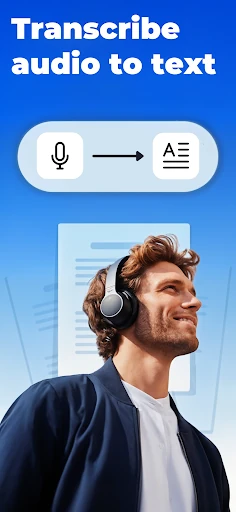
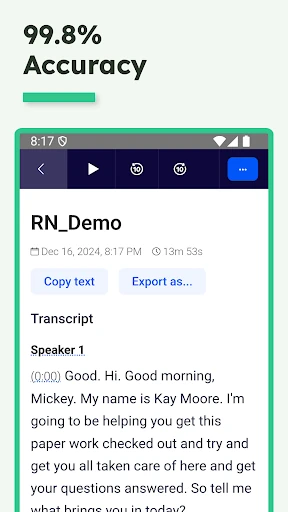
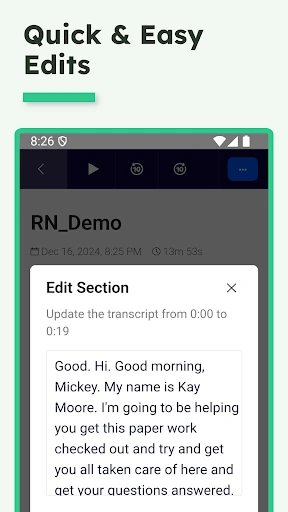
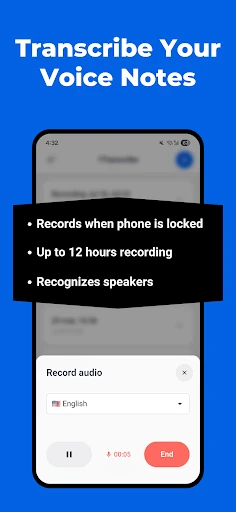
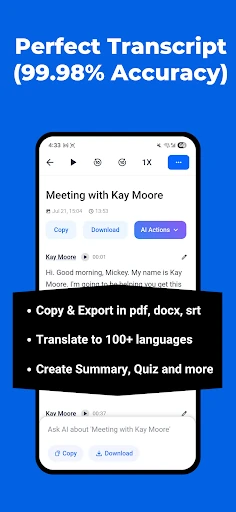
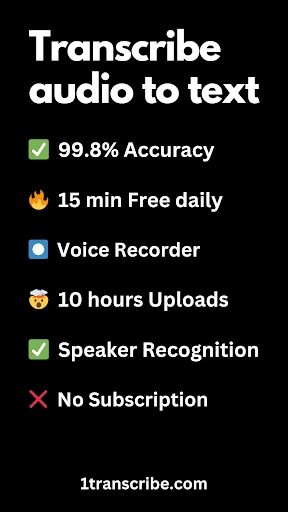
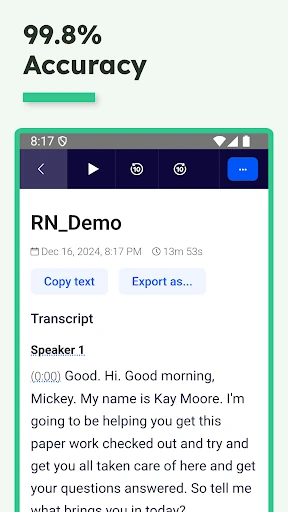
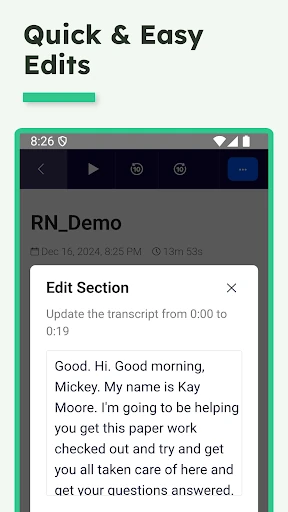
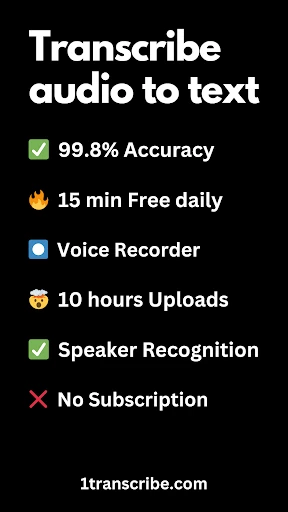
Transcribe Speech to Text turns spoken recordings into written text on an Android device. It suits students, journalists, content creators, and anyone who needs to search, quote, or reuse a voice recording without typing it out manually. DKBLabs places the app in the Productivity category, where it works as a focused tool for moving information from audio into notes or documents.
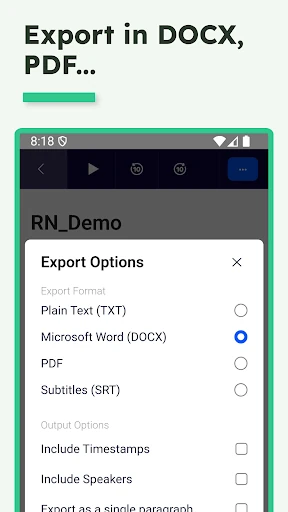
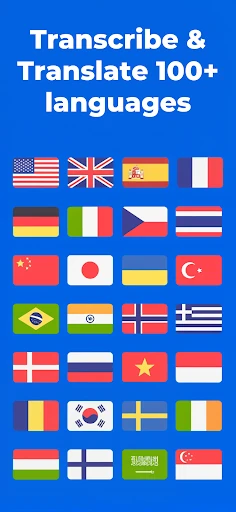
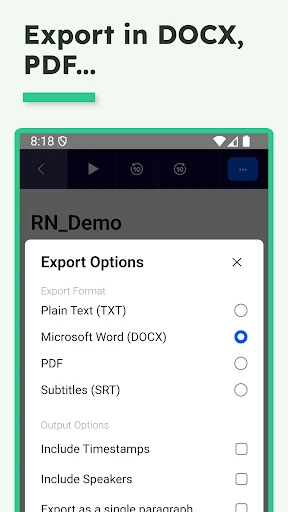
The app uses OpenAI’s Whisper technology to process recorded speech. It supports common audio and video formats including MP3, MP4, M4A, and WAV, giving you several ways to bring a recording into a transcription task. Short files under five minutes can be transcribed without charge, which makes the app useful for voice memos, brief interviews, and quick reminders.
This is a practical choice when you need a readable record of a conversation, lecture, message, or spoken idea. Subtitle creation gives video makers a direct use for the app, while support for several file types helps when recordings come from different phones or apps. As with any speech-recognition tool, clear audio and limited background noise should produce more useful results than a crowded or distant recording.
With a rating of about 4.5 out of 5 from 4,534 reviews and more than 100,000 installs, Transcribe Speech to Text has established a sizeable audience. Its strongest appeal is straightforward: bring in spoken media, receive text, and use the result for notes, captions, or follow-up work.